



Project files
Your project has three files that manage environment state:| File | Contains | Committed to version control |
|---|---|---|
agent.json | Production bot ID, workspace ID, API URL | Yes |
agent.local.json | Development bot ID | No (gitignored) |
.adk/secrets.json | Secret values for dev and prod | No (gitignored, mode 0600) |
.adk/ directory also contains generated types, build artifacts, and logs. It’s fully gitignored.
Secrets
Secrets store sensitive values like API keys, passwords, and tokens. They are declared inagent.config.ts and their values are stored locally, separate from your code.
Declaring secrets
Add secrets to your config:adk dev warns you if they’re unset, but doesn’t block the dev server from starting. Optional secrets never block deployment.
Setting values
You can set values usingadk secret:set command:
.adk/secrets.json. Setting a development value never touches production values, and vice versa.
Using secrets at runtime
To use secrets at runtime, just importsecrets from @botpress/runtime and reference them directly:
secrets import is a typed proxy over environment variables. Required secrets are typed as string, optional ones as string | undefined.
Secrets are read-only at runtime. Attempting to reassign the value of a secret will throw an error.
Managing secrets in the dev console
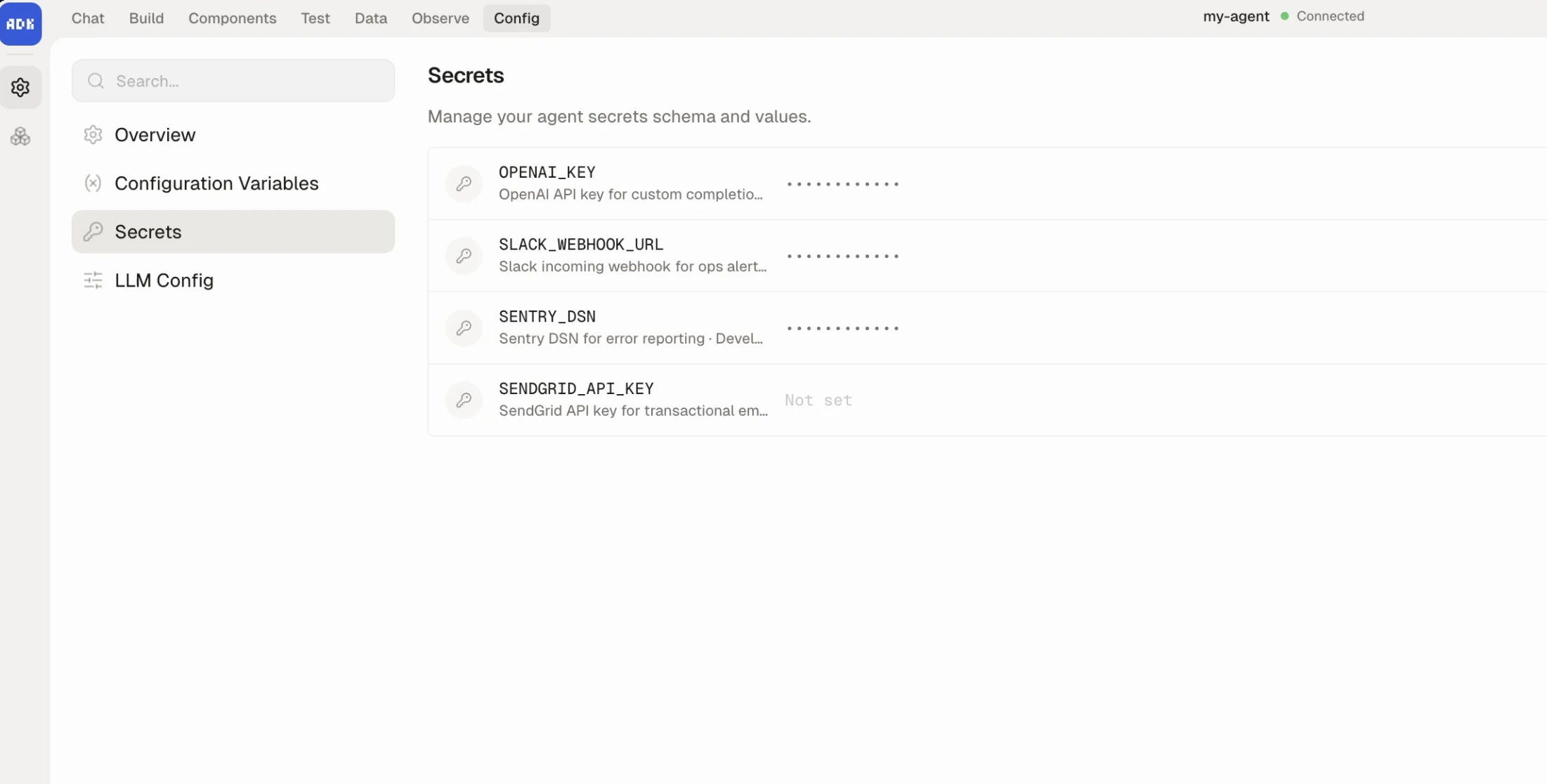
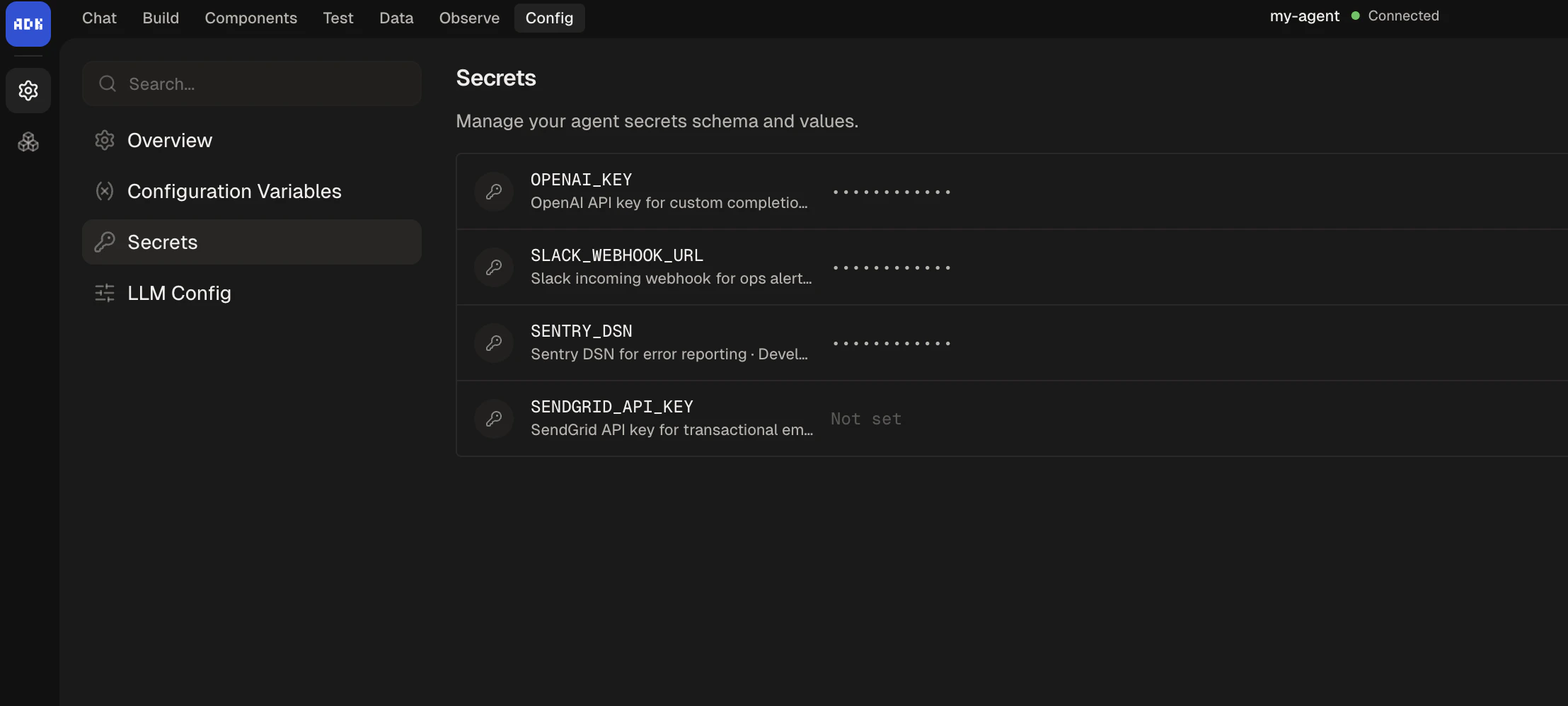
You can also manage secrets from the dev console under Settings > Secrets. The UI lets you add, edit, and delete secrets for both development and production environments. Schema changes (adding or removing declarations) write back toagent.config.ts.
Naming rules
Secret keys must beSCREAMING_SNAKE_CASE:
- Start with an uppercase letter
- At least 2 characters
- No trailing underscore
- Cannot start with
SECRET_,BP_, orBOTPRESS_(reserved)
How secrets flow to production
Development secrets: If you’re running your agent withadk dev and save changes to your development secrets via the dev console, your agent will immediately restart using the new values.
Production secrets: If you save changes to your production secrets via the dev console, the changes will only write to agent.config.ts. The new values will take effect on your production agent the next time you run adk deploy.
Configuration
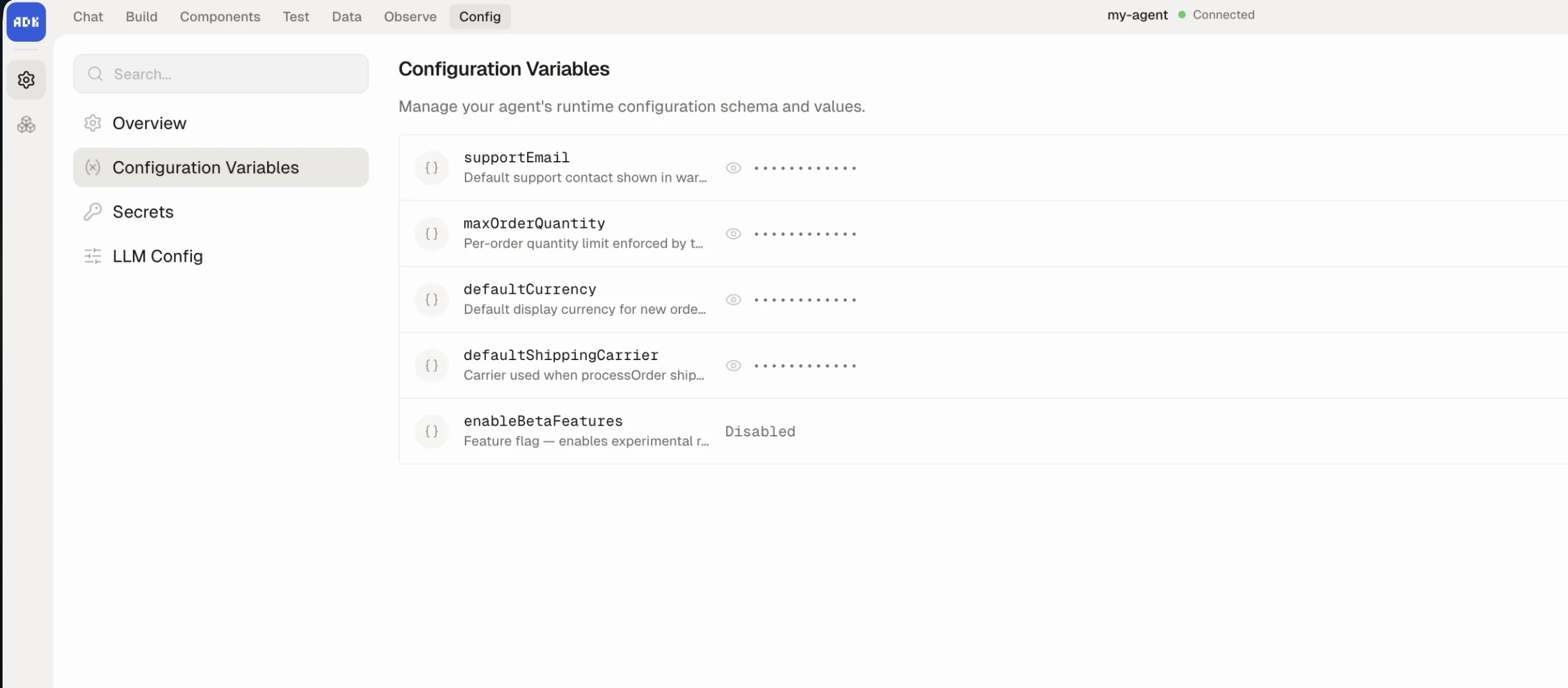
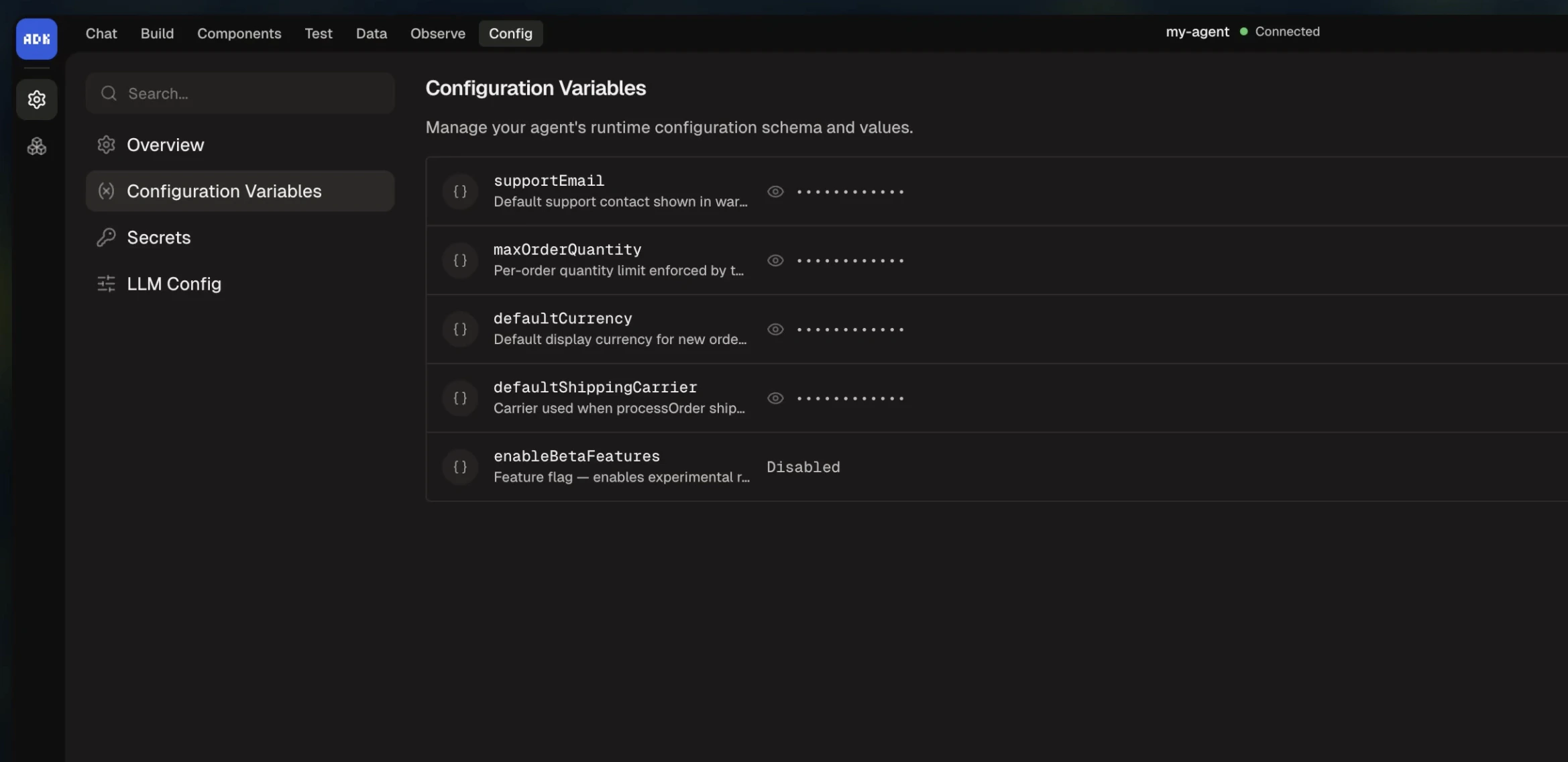
Theconfiguration object in agent.config.ts defines static, deploy-time settings for your agent. Unlike secrets, configuration values are not sensitive. Unlike state, they are read-only at runtime.
Declaring a schema
Define your schema inagent.config.ts:
Setting values
Using configuration at runtime
Preflight checks
Runadk check to validate your project without starting the dev server:
- Node.js version compatibility
- Runtime version compatibility
- Project structure and primitives
- Generated type assets
adk dev and adk deploy.